

Hello. This is Rin. One of my friends told me about an interesting Wikipedia function. So I am going to introduce it to you! This is “life-sized animals in AR”. “Life-sized animals” can display animals that look real in your mobile phone. If you want to do it, you only need an iPhone.
Please follow below the steps below to display animals. Step1. Open Safari and choose Goggle. Step2. If you use the Japanese version Goggle, you need to set in English. (Please touch three lines next to the search box). Step3. Just surch the animal name! Step4. You can see the life-sized animal up close. Then touch it to view in 3D. Step5. After opening your camera, move your phone a few minutes. That’s all!!!
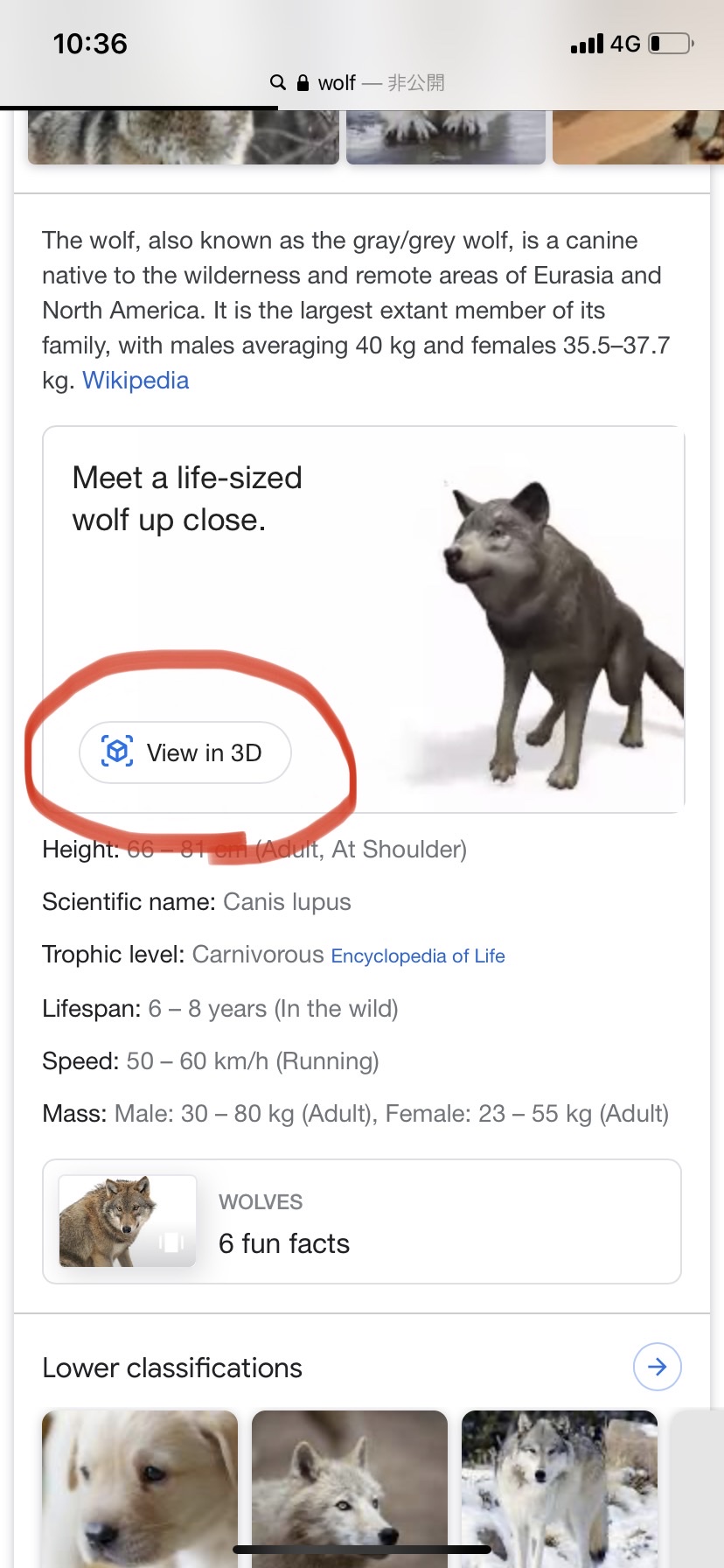
You can select 29 animals such as dog, cat, shark, penguin, lion, tiger, horse, snake, black panther, bear, hock, pomegranate, pug, and so on. Finally, wolf! Supriselly, we can hear animal sounds, take the picture and change the animal’s size.
Why are there so many types of dogs? There are pomeranian, pug, French bulldog.Because google really likes dogs. It’s true!!According to google public relations “actually,google is a dog company”. Google allows employees to bring their dog.
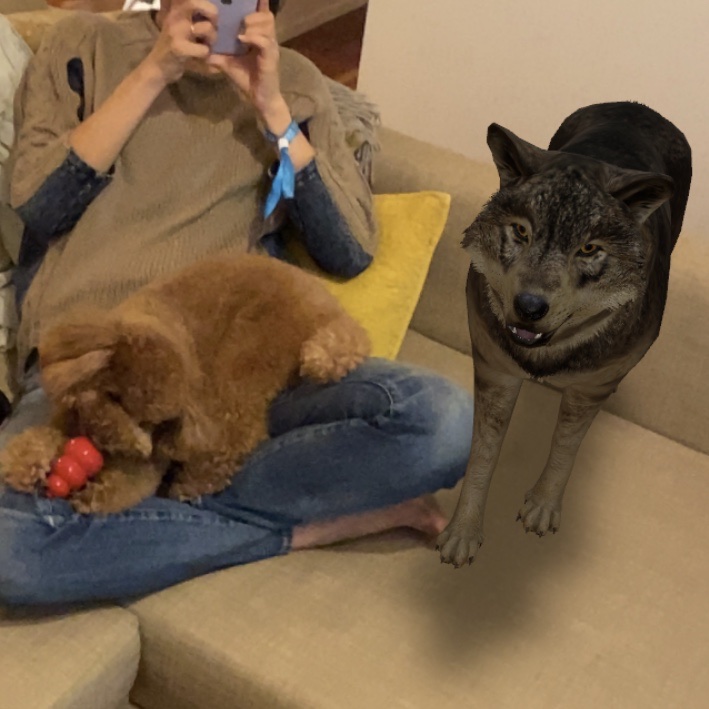
This function was released on March 6,2019. People expect this function to improve more. In the future, google is planning that all products can be displayed in 3D.https://drive.google.com/file/d/1Wq8ST-jsjgd9WElqVwNun8gCxB_8M9iV/view?usp=drivesdk

